Auto scroll
A steady pace you set with a slider. Change the speed or the text size while it runs.
FreeOn iPhone and iPad. Android coming soon
LinesReady floats your script over the camera while you record in Instagram, TikTok or your phone's camera, and follows your voice as you speak.
Hi, I'm Tolu, and this is my first video with a script. I used to forget my lines halfway through. Now the words float right under the lens, and they follow my voice as I speak. If I stop to breathe, it waits for me.
Voice mode
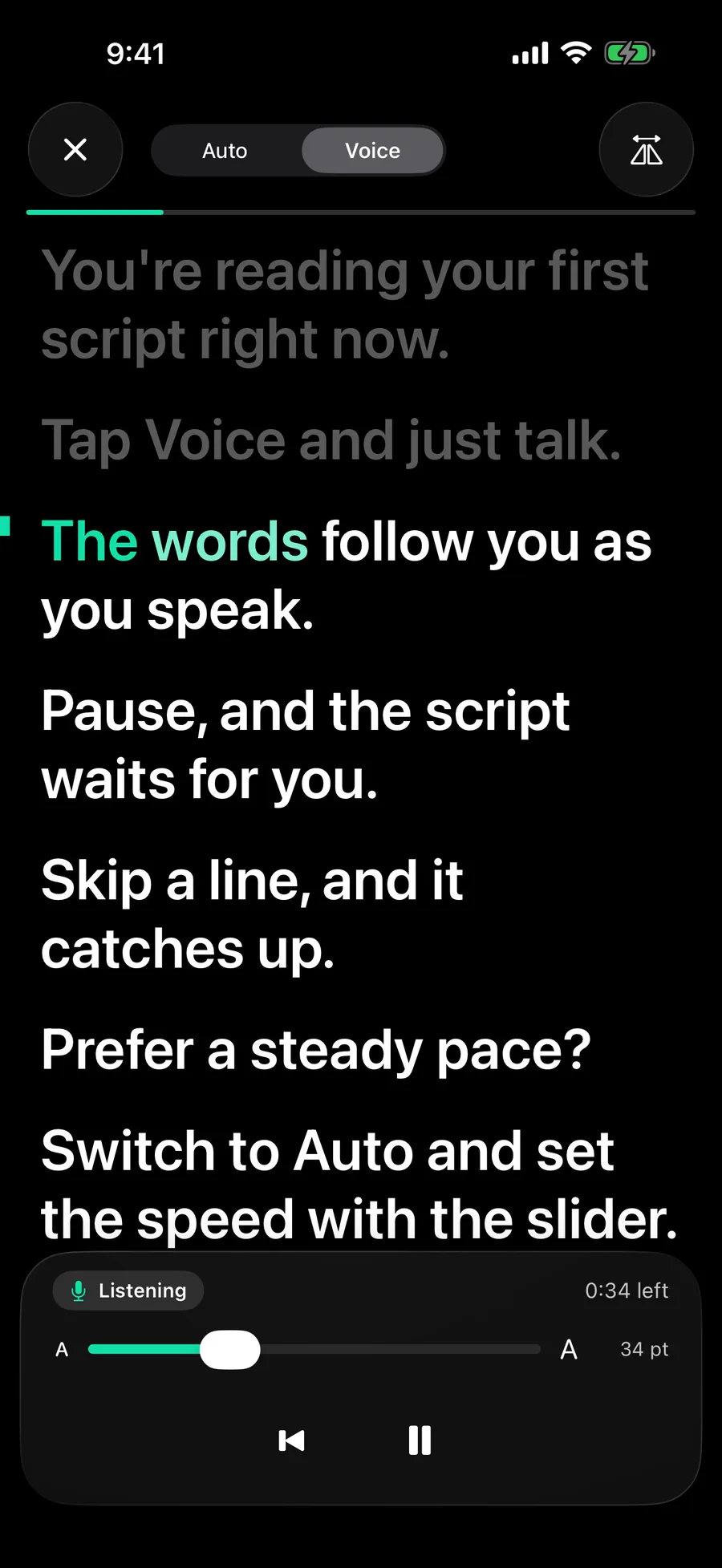
Talk the way you normally would. LinesReady listens and keeps your place. Pause for a breath and the script waits. Skip a line and it catches up. The words you have said turn green, so a glance is all it takes to find where you are.
Scroll and this page reads itself the way LinesReady reads with you. On the phone it's your voice that moves the words, and nothing needs tapping while you film.
How it works
It saves as you type and tells you roughly how long it takes to read, so you know before you start whether it fits a 60-second video.
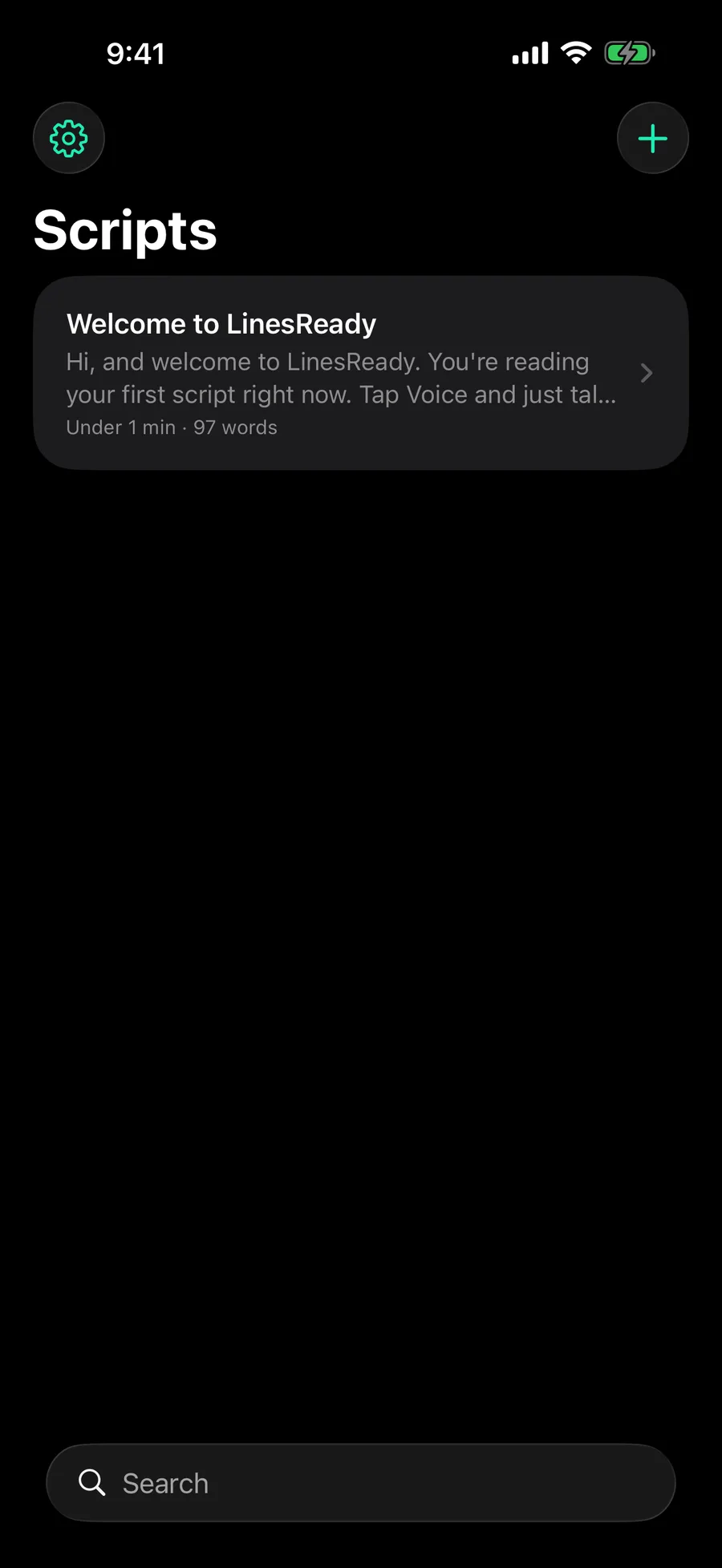
In Voice mode the script moves as you speak and waits when you stop. Prefer a steady pace? Auto scrolls at the speed you set.
Tap Float and open the app you film in. On iPhone the script plays in a Picture in Picture window you can drag right under the lens.
Hi, I'm Tolu, and this is my first video with a script. I used to forget my lines halfway through. Now the words float right under the lens, and they follow my voice as I speak. If I stop to breathe, it waits for me.
The script shows in a small panel over any app, with buttons to pause, restart, change the text size and turn on Voice.
Hi, I'm Tolu, and this is my first video with a script. I used to forget my lines halfway through. Now the words float right under the lens, and they follow my voice as I speak. If I stop to breathe, it waits for me.
In the prompter
A steady pace you set with a slider. Change the speed or the text size while it runs.
Your script scrolls just under the camera while you film. Front or back camera, saved to your photos.
Flips the text so it reads the right way round through a glass rig.
Every script shows how long it takes to read, so you can trim it to fit a Reel or a Short first.
Privacy
Unreleased videos, pitches and talks are private until you post them. LinesReady is built so they stay that way.
The privacy policy has the details, including how Voice mode uses your phone's speech recognition.
More answers, and how to reach us, are on the support page.
An iPhone on iOS 17 or later, or an Android phone on Android 9 or later. LinesReady is free and has no ads, and you don't need an account.
Any app that films, such as Instagram or your phone's own camera. Open your script, tap Float, choose Voice or Auto, then tap Start floating and switch to the app you want to film in.
Some camera apps take the microphone while they record, and then LinesReady cannot hear you. When that happens it switches to Auto so your script keeps moving, and tells you why.
No. Scripts are stored in LinesReady's own storage on your phone. There is no account and nothing is uploaded to us.
LinesReady is free on iPhone and iPad now. The Android version follows once Google Play is ready.